

What bulk QR code creation is for
Some jobs need dozens or hundreds of codes, each slightly different: one per product SKU, per table, per staff member’s contact card or per piece of equipment. Typing each one in by hand is slow and invites mistakes. Bulk creation turns a spreadsheet into a set of codes in one go.
It suits product labels, asset tags, event badges, classroom materials and multi-location signage. A chain with 40 shops might want one code per window so it can compare scans by location. A manufacturer might need a code on every model’s manual. A school might print one per classroom door. In each case the design stays the same and only the destination changes from row to row, which is exactly what a spreadsheet is good at.
How bulk creation will work
This is planned and not available yet. The plan:
- Prepare a CSV. One row per code, with columns for the content, such as a link, and a name for each file.
- Upload it and pick a design. Choose one of your saved design templates so every code matches.
- Check the results. Every code goes through the same scan check as the generator.
- Download a ZIP, or save dynamic codes. Get all the image files at once, or create dynamic codes in bulk that you can edit and track later.
What you can do today
- Make codes one at a time, free. There’s no cap on static or dynamic codes, and PNG and JPG downloads are free with no watermark.
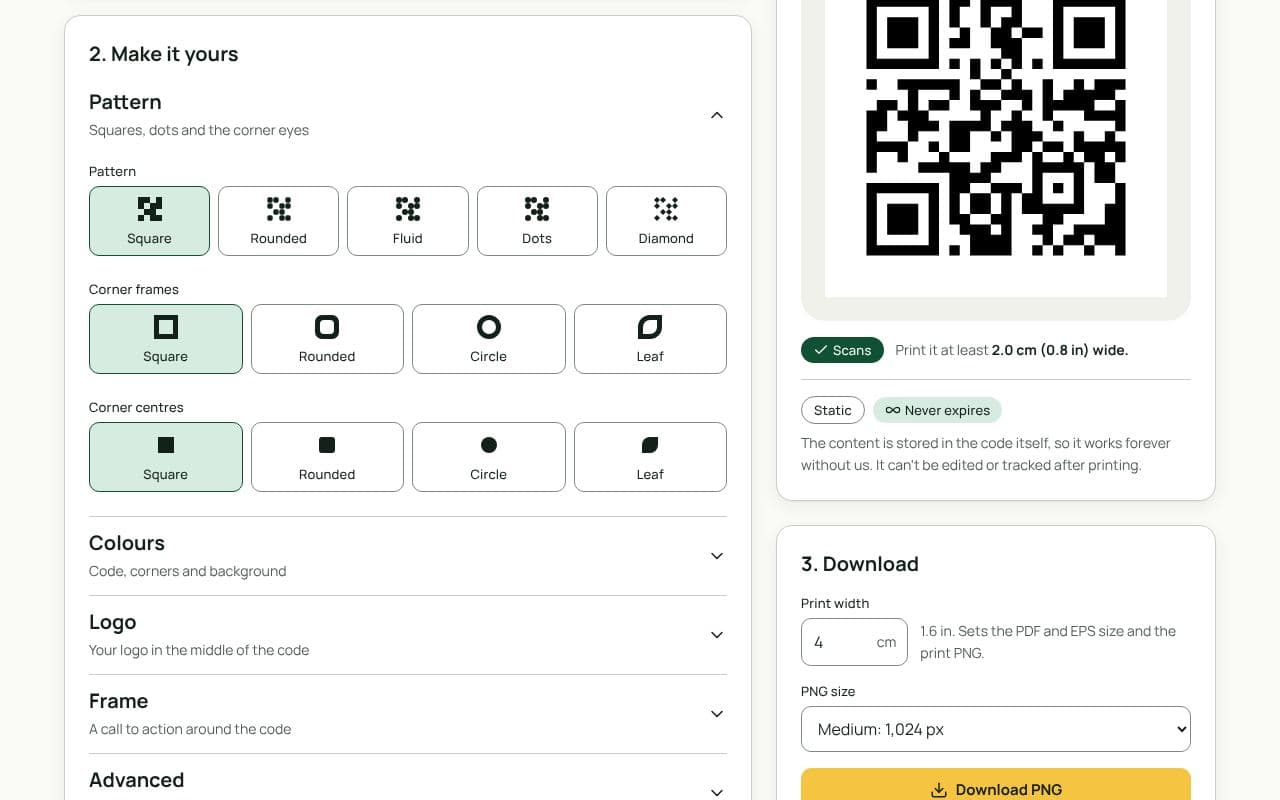
- Save a design template. Set up colours, logo, frame and margin once, save it, and apply it to each new code in a click.
- Rename files as you go. Give each download the name from its spreadsheet row so your printer can place them correctly.
- Use dynamic codes for anything that might change. You can edit each destination later without reprinting.
- Keep your spreadsheet anyway. A tidy list of names and destinations makes it quick to work through codes today, and it will be ready to upload when bulk creation arrives.
- Check print size once. Set the print width in the generator to match your label, and the scan check warns you if it’s under 2 cm.
Join the list to hear when bulk creation is ready. We won’t promise a date until we have one.
Static or dynamic?
Either works
For labels whose content never changes, like serial numbers or fixed product pages, static codes are fine. If any of the destinations might move, make those dynamic so a change doesn’t mean reprinting a whole batch.