

What a menu QR code does
A menu QR code opens your menu on the guest’s phone. They scan the code on the table, window or counter and browse the dishes and prices at their own pace, at full size, with their own screen brightness. It saves reprinting menus every time a price changes, and it helps when guests are waiting for a table or reading your window after hours.
Restaurants, cafés, bars, food trucks, bakeries and hotel room service use them on table tents, stickers, windows, receipts and takeaway bags. A code on the takeaway bag is worth the space: it takes your menu home with the customer, ready for the next order.
How to make a menu QR code
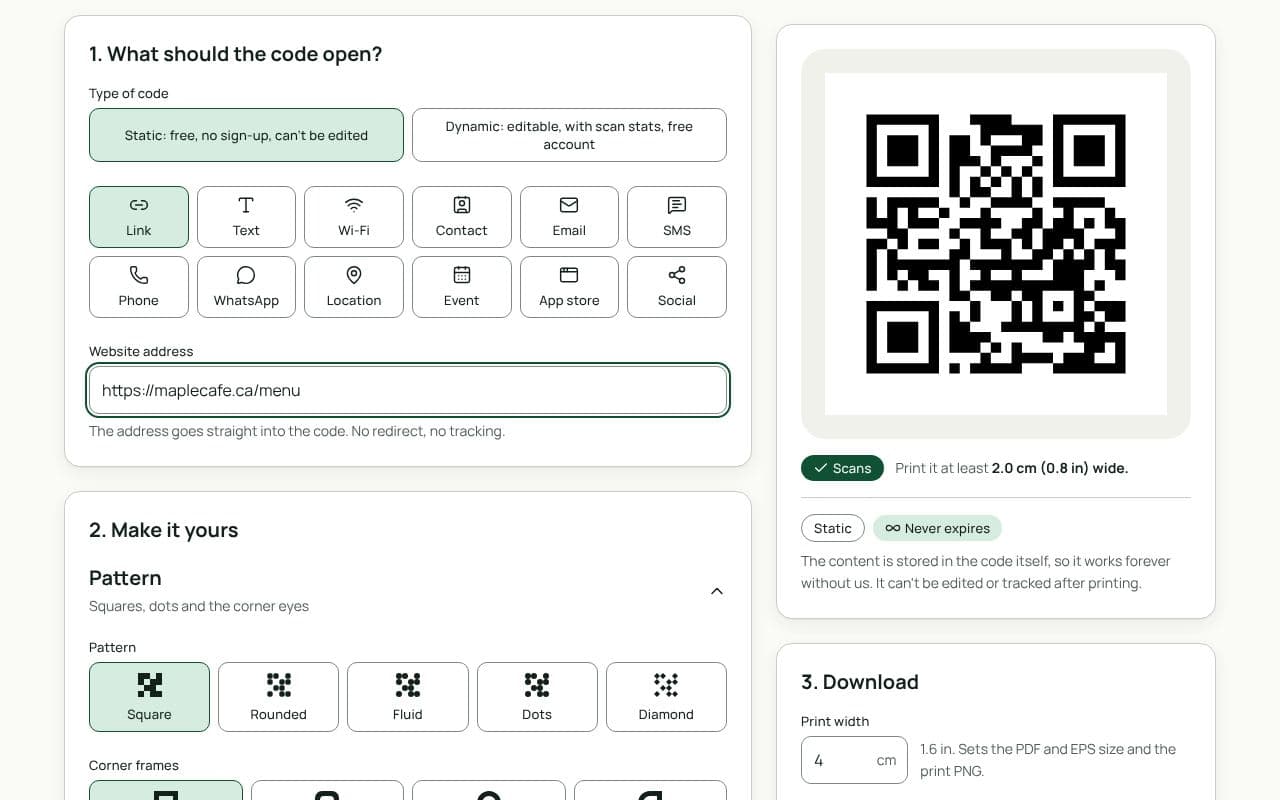
- Paste your menu’s link. Use a page on your website, your online ordering page, or a PDF shared from Google Drive or Dropbox. Put it into “Website address”.
- Choose Dynamic. Under “Type of code”, pick Dynamic so you can change the menu link later and see how many guests scan.
- Add a frame that says “Menu”. Pick a frame style and use the suggested frame text “Menu”, or write “Scan for our menu”. Add your logo if you like.
- Save your dynamic code. Sign in with an email link or Google, save the code, then download a PDF or SVG for your printer and a PNG for social posts.
Design and print tips
- Print one code per table. Guests scan from their seat. A single code by the door means people getting up and queuing.
- Use table tents or stickers that survive cleaning. Laminated cards or vinyl stickers last longer, but choose a matte finish: glossy surfaces reflect overhead lights and make scanning harder.
- Keep the code dark on light. Your brand colours can go on the frame. The code itself should be a dark colour on a light background.
- Add your Wi-Fi. Guests on weak mobile signal may struggle to load the menu. A Wi-Fi code next to the menu code helps.
- Make the menu mobile-friendly. Large text, clear prices and a small file size matter more on a phone than a beautiful layout.
- Put one in the window. A large code on the front window lets passers-by read the menu before they come in.
Some guests prefer paper, and some won’t have a phone with them or a working signal. Keep a few printed menus on hand and let guests know they can ask for one.
Static or dynamic?
We recommend: dynamic
Choose dynamic. Menus and prices change with the seasons, and you may move to a new ordering system or website. A dynamic code lets you point every table at the new menu without reprinting, and shows you how many guests use it.