

QR codes on exhibit labels open everything that won’t fit on the wall: audio guide tracks, translations, videos, deeper stories and accessible versions. Visitors use their own phones and the camera they already have, with no app to install. With dynamic codes you can update the content between exhibitions without reprinting labels, and see which objects people want to know more about. Free, and the codes never expire.
How to make museum QR codes
- Publish the content for each object or room: an audio track, a page or a video.
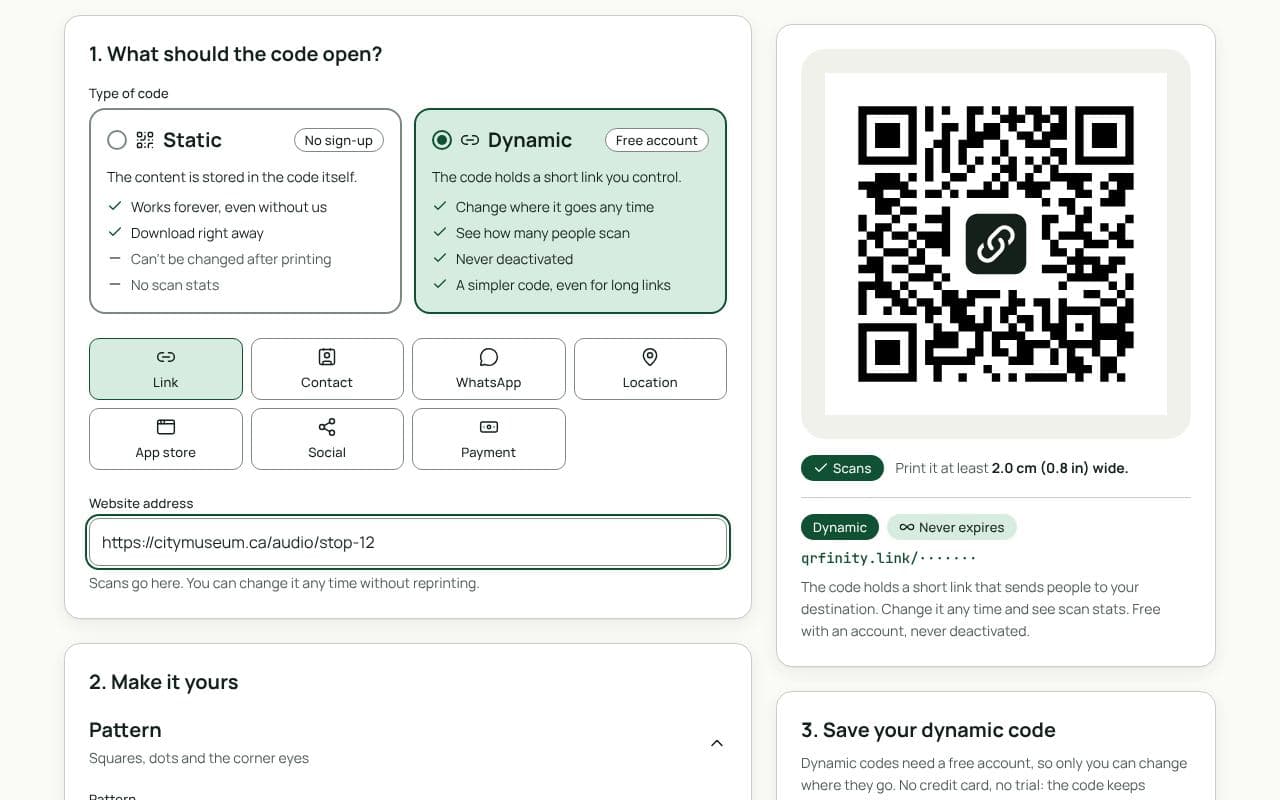
- Paste the link in “Website address” above and keep the code dynamic. Make one code per object or stop.
- Design it to suit the gallery: a neutral colour that matches your label design, and a frame such as “Listen” or “More”.
- Download vector files (SVG, PDF or EPS) for your label printer or sign maker.
Ideas that work in galleries
- Audio guide stops: one code per stop, opening the track in the browser. No headset rental desk needed.
- Translations: the label in other languages, without crowding the wall.
- Accessibility: audio description, sign-language video, large-print text.
- Behind the object: conservation stories, archive photos, a curator’s video (YouTube QR codes).
- Gallery guide or map: a PDF QR code at the entrance.
Placement and size
- Label height, within reach, where visitors stand to read. Avoid glass reflections over the code.
- 2.5 to 3 cm on a label read at arm’s length; larger on wall panels read from further back.
- Good contrast in low light. Galleries are often dim; a dark code on a light label reads best.
- Wi-Fi at the entrance if mobile signal is weak inside: a Wi-Fi QR code gets people online in one scan.
See what visitors are curious about
Each dynamic code counts its scans, so you can see which objects and stops draw the most interest, by day and by device, without tracking who the visitors are. We store no IP addresses and set no cookies on the short links.
Static or dynamic?
We recommend: dynamic
Choose dynamic. Content changes between exhibitions and translations get improved, while labels stay on the wall. Dynamic codes let you update everything behind them and see which stops visitors use.