

A QR code on a flyer or poster gets people from paper to your page in one scan, but only if it’s big enough, says why to scan, and leads somewhere that works on a phone. Make it dynamic and you can also count how many people scanned each flyer drop or poster spot, and change the page after printing. Free, with no watermark and no expiry.
How to make a flyer QR code
- Pick the page: tickets, sign-up, the menu, the offer. One page, built for phones.
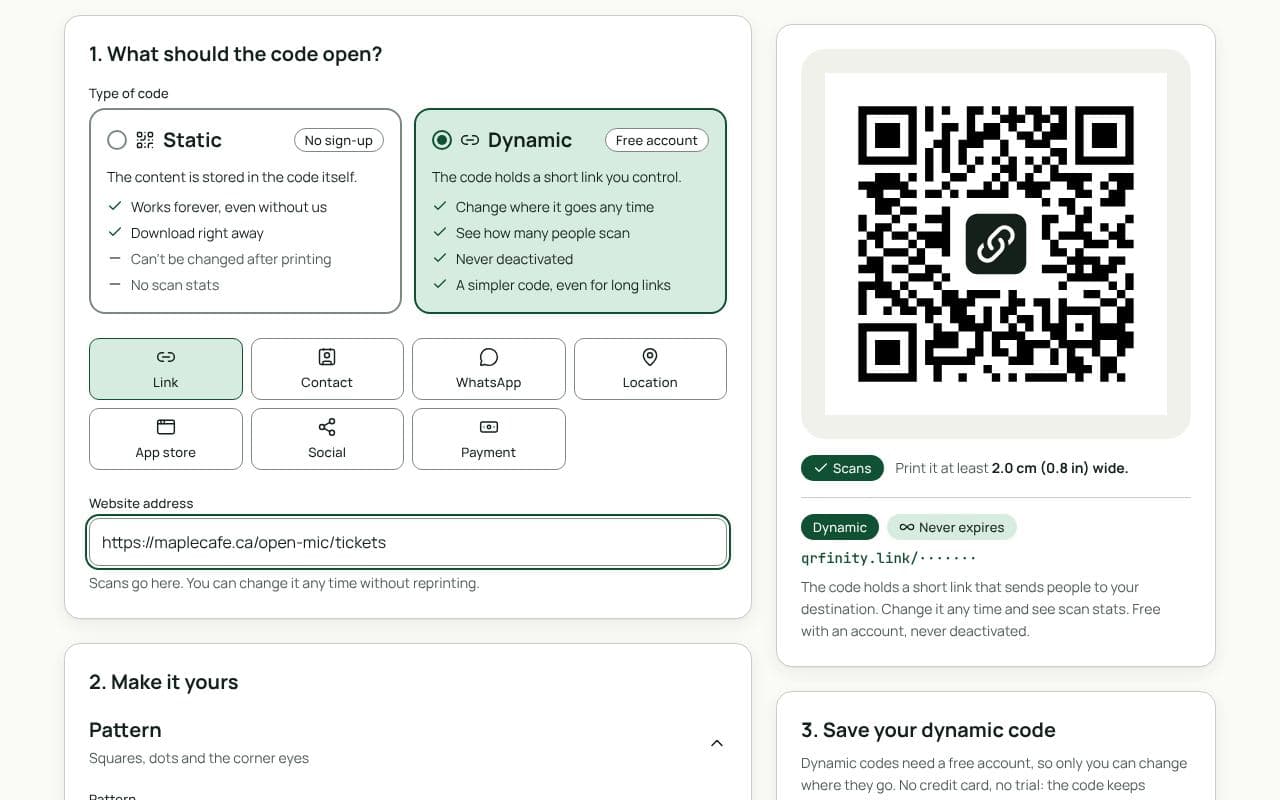
- Paste the link in “Website address” above and keep the code dynamic.
- Add a frame with a call to action: “Get tickets”, “Book now”, “Scan for the menu”.
- Download for print. PNG at 300 dpi for home printers; SVG or PDF for a print shop.
What makes people scan
- A reason next to the code. “Scan for 20% off your first class” works; a bare code doesn’t.
- A page that matches the flyer. If the flyer says “tickets”, open the ticket page, not your home page.
- Fast on a phone. People scan on the move; a slow page loses them.
Size and placement
| Where | Viewing distance | Code width |
|---|---|---|
| Handheld flyer (A5, A6) | 30 cm | 2.5 to 3 cm |
| Noticeboard poster (A4, A3) | 1 m | 8 to 10 cm |
| Large poster or window | 2 to 3 m | 20 to 30 cm |
Keep a clear margin around the code, and dark code on a light background. The print size guide has more.
Count scans by location
Make one dynamic code per spot: the café noticeboard, the library, the bus shelter. Each has its own scan count, so after a week you know where to put the next batch. How scan tracking works, and what stays private.
Static or dynamic?
We recommend: dynamic
Choose dynamic. You can fix a wrong link after printing, reuse posters for the next event, and see which locations people actually scan from.