

What this page does
WeChat and Alipay make their own QR codes: your contact card, a group invitation, an Official Account, or a code to collect payments. Only the apps can make them, and they all look the same: black and white, with no hint of whose code it is.
This page restyles them. You add a screenshot of your code, your browser reads it, and you get a new code that holds exactly the same thing, in your colours, with the WeChat or Alipay logo in the middle and a frame with your own words. People scan it with WeChat or Alipay as usual, and it opens the same contact, group or payment page.
How to restyle your code
- Get your code from the app. Open your QR code in WeChat or Alipay and take a screenshot.
- Add the screenshot. Choose the image, drop it on the box above, or paste it. You can also point your camera at a code on another screen.
- Check what was found. The page tells you what kind of code it is and shows exactly what it holds, which stays the same.
- Make it yours. The WeChat or Alipay logo is already in the middle. Pick colours and a frame, or switch the logo to your own.
- Scan it, then download. Scan the new code with your phone first. Then download a PNG for screens, or SVG, PDF or EPS for print with a plan.
Which WeChat codes work
- Your contact code opens your profile so people can add you. It keeps working unless you reset your code in WeChat.
- Official Account codes open the account so people can follow it. Some are made to be temporary and expire after up to 30 days; if a restyled one stops working, the original has too.
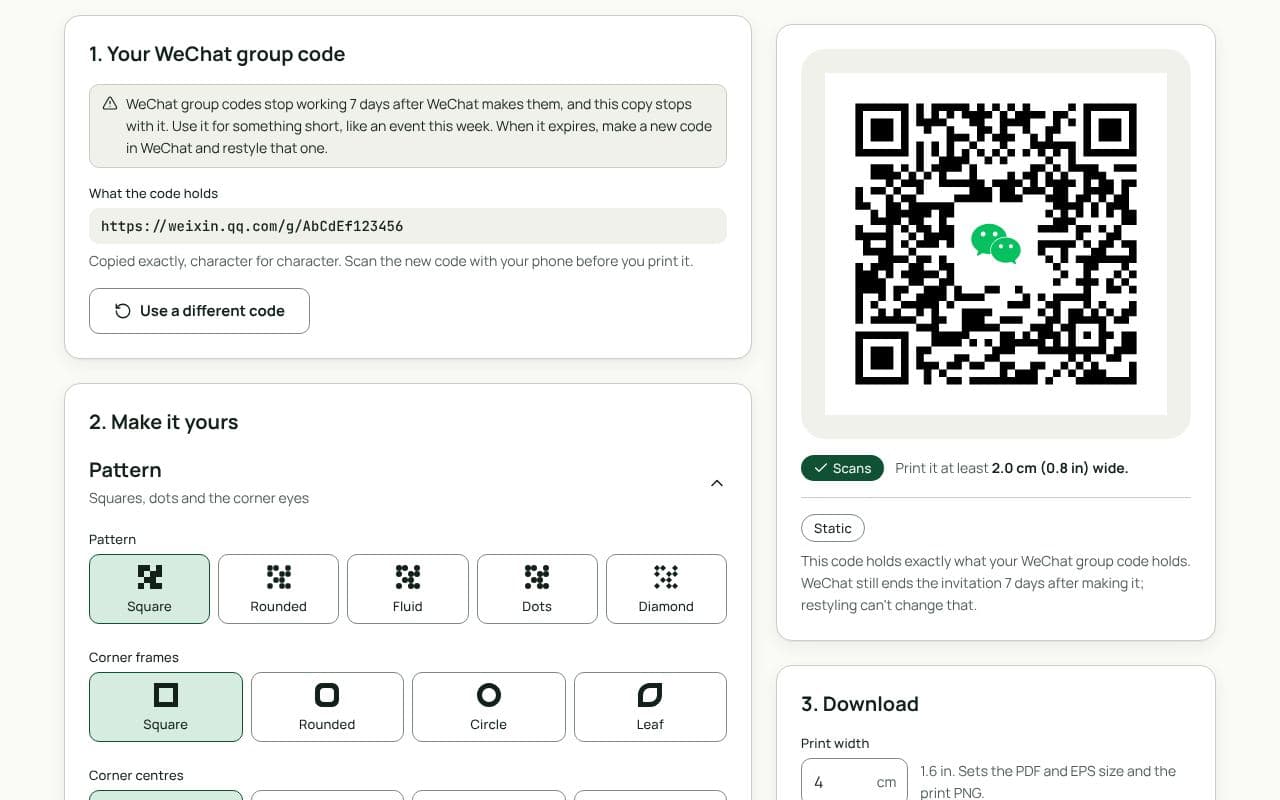
- Group codes open a group invitation, but only for 7 days after WeChat made the code. Use them for something short, like this week’s event, and make a new one after.
- WeChat Pay and Alipay codes for collecting payments work the same way after restyling. Check the name the app shows before you print.
Design and print tips
- Keep it dark on light. Coloured codes scan fine, but the modules need to be clearly darker than the background. The scan check flags anything under 3:1 contrast.
- Say what the code is for. “Add me on WeChat”, “Join our group” or “Pay here” gets more scans than a bare code.
- Write the frame in Chinese if your readers do. “扫码加我微信” or “扫一扫,付款” works as frame text. It’s drawn as shapes, so it looks the same in every download and prints without any fonts.
- Size it for the distance. 2.5 cm suits a business card, 4 to 5 cm a flyer or table card, and 20 cm or more a poster read from 2 metres away.
Static or dynamic?
We recommend: static
Codes made by WeChat and Alipay need to reach those apps exactly as they are, so a restyled code is always static: it holds your original content, with nothing in between. For a link of your own, such as a website, the main generator also makes dynamic codes you can change later.