

What an event QR code does
An event QR code holds a calendar entry: a name, a start and end, a place and a few lines of detail. When someone scans it, most phones offer to add it to their calendar in one tap, with the time already set and a reminder ready to go.
It works well on wedding invitations, conference badges, school newsletters, gig posters and appointment cards. Anywhere you’d otherwise write “save the date” and hope people remember to type it in.
How to make an event QR code
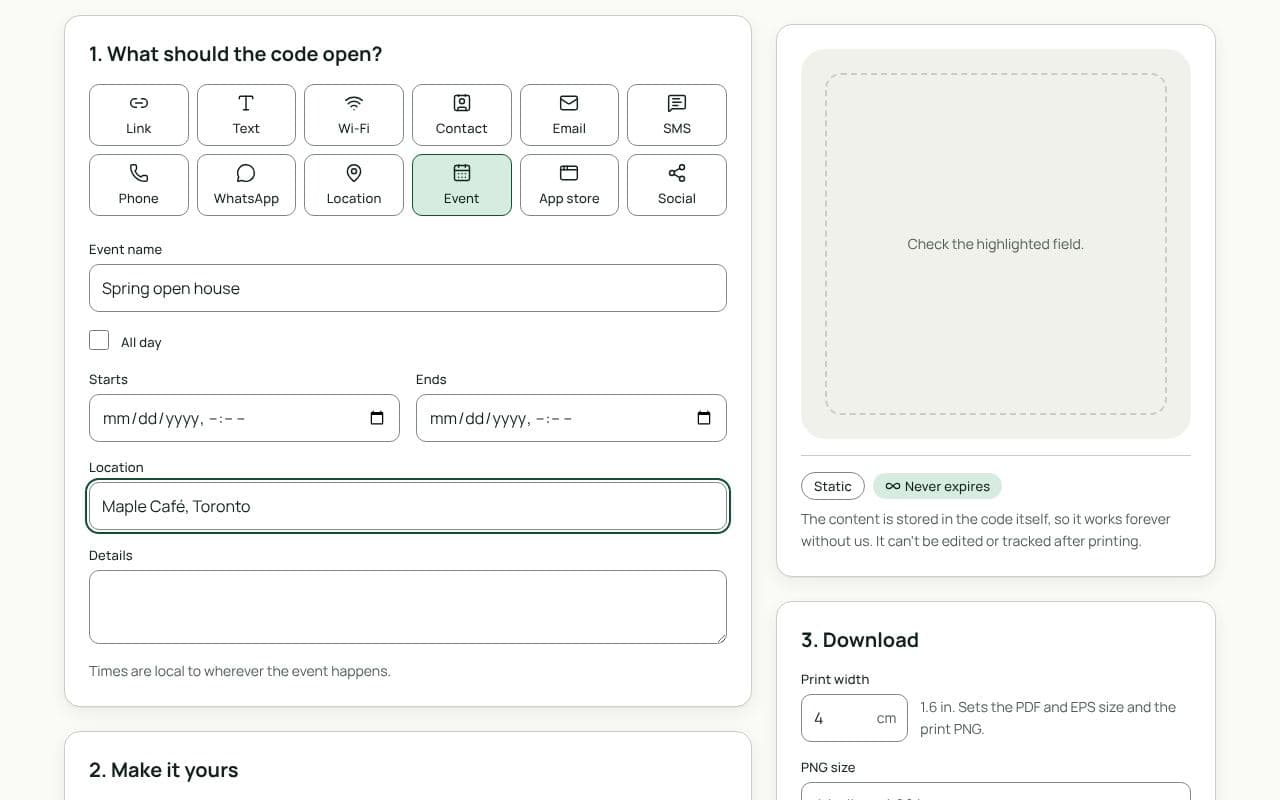
- Name the event. Use the words people will recognise in their calendar later, like “Priya and Sam’s wedding” rather than “Saturday”.
- Set the time. Choose “Starts” and “Ends”, or tick “All day” for events without a set time.
- Add the place and details. Fill in “Location” with the venue and use “Details” for anything guests need on the day.
- Scan it yourself, then download. Scan the preview with your phone, check the entry it offers to add, then add a frame and download a PDF or SVG for printing.
Design and print tips
- Print the date in words too. The code is a shortcut, not a replacement. Guests should see the date and time without scanning.
- Say the time zone for travelling guests. “7 pm Toronto time” prevents confusion when invitations go to several countries.
- Frame it with “Add to calendar”. That tells people exactly what the scan will do.
- Keep the details brief. A long “Details” field makes the code dense. On a small invitation card, aim for a code at least 2.5 cm wide.
- Test with an Android phone as well as an iPhone. Calendar support varies more than for links, so check before you print a few hundred.
Filling in each field
- Event name becomes the title in the calendar. Include who it’s for or who’s hosting, so it still makes sense weeks later.
- Starts and Ends set the slot. For an evening reception, give a realistic end time; a calendar block that ends at midnight is easier to plan around than one with no end.
- Location shows under the title. A full street address lets most calendar apps offer directions on the day.
- Details is for one or two short lines: parking, dress code, or the address of an event page with more information.
Static or dynamic?
Either works
Event codes are static, and that’s the simplest choice when the date and place are settled. If details may change, use a dynamic Link code that opens an event page you control: you can update the page, or point the code somewhere new, without reprinting.