

A QR code on a parking sign or meter lets drivers pay, read the rates or apply for a permit in one scan, with the zone already filled in. Because parking codes are a favourite target for fake stickers, this page also covers how to make yours hard to tamper with. Dynamic codes let you switch payment providers or update rates without replacing a single sign. Free, and the codes never expire.
How to make a parking QR code
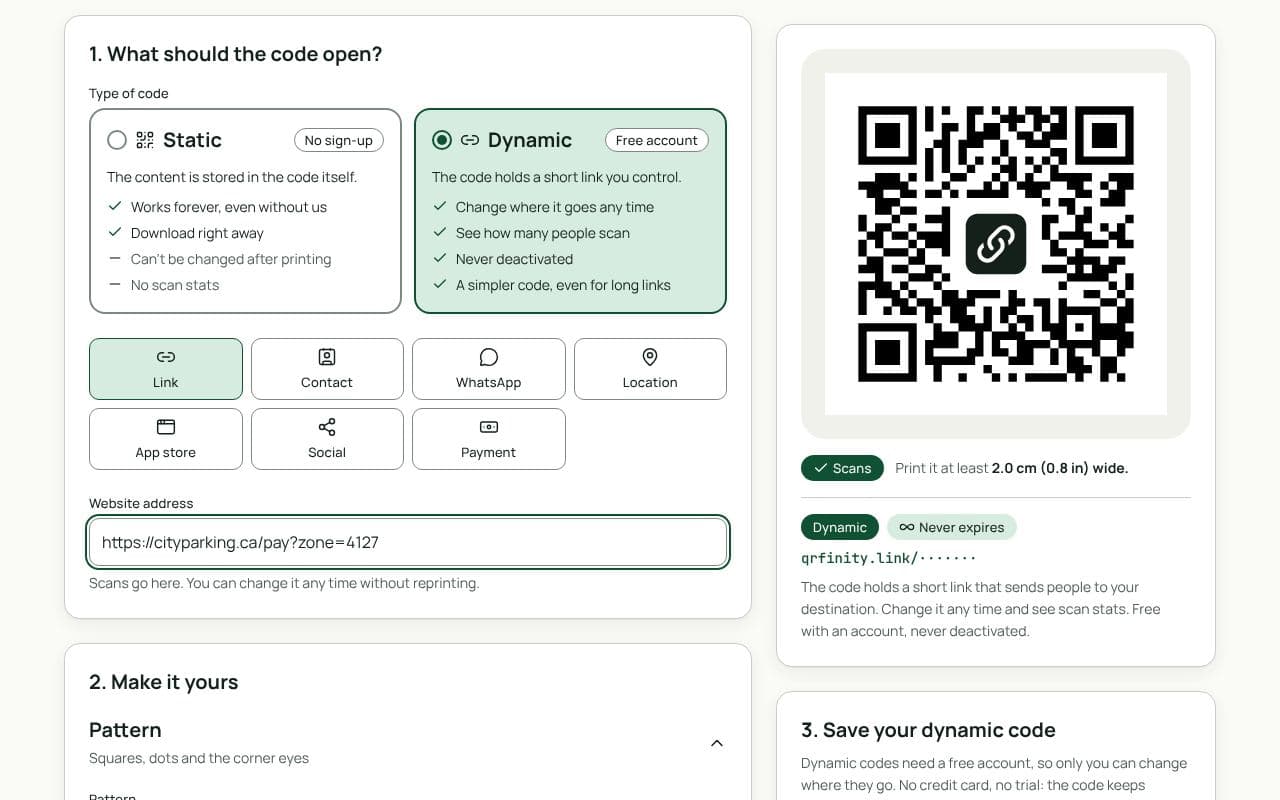
- Get the right link from your payment provider or your own site, ideally one per zone or lot.
- Paste it in “Website address” above and keep the code dynamic.
- Add a frame that says what it does: “Pay for parking”, with your web address printed in text below.
- Download vector files and have the code printed into the sign itself, not added as a sticker.
Protect drivers from fake stickers
Scammers stick their own codes over real ones and send drivers to look-alike payment pages. Make that harder:
- Print the code into the sign, under the same laminate, instead of using a sticker that can be peeled or covered.
- Show your web address in text next to the code, so drivers can check the page they land on matches.
- Use your own domain on the payment page, and say on the sign that you never ask for payment by text message.
- Inspect signs regularly, and make it easy to report a suspicious code.
- Dynamic codes help: if a sign is compromised, you can see it in unusual scan patterns, and you can move the real destination without new signs.
The guide to protecting QR codes from tampering goes further.
Other uses around parking
- Rates, hours and rules on a mobile page.
- Permits and season tickets: the application form.
- Report a problem: broken barrier, lighting, a blocked bay.
- Directions to the entrance with a map location code.
Static or dynamic?
We recommend: dynamic
Choose dynamic. Payment providers, rates and pages change, but signs are expensive to replace. Dynamic codes let you update every destination from your dashboard and watch scan counts for anything unusual.