

A QR code on your packaging turns the box, bottle or label into a way in: instructions, ingredients, videos or a reorder page, one scan away. Make it dynamic and the page behind it can change for as long as the product is on shelves, without reprinting a single box. QRfinity’s dynamic codes are free and never expire, so a code printed on ten thousand boxes keeps working.
How to make a packaging QR code
- Pick the page. One clear job: setup guide, ingredients, recipes, warranty or reorder.
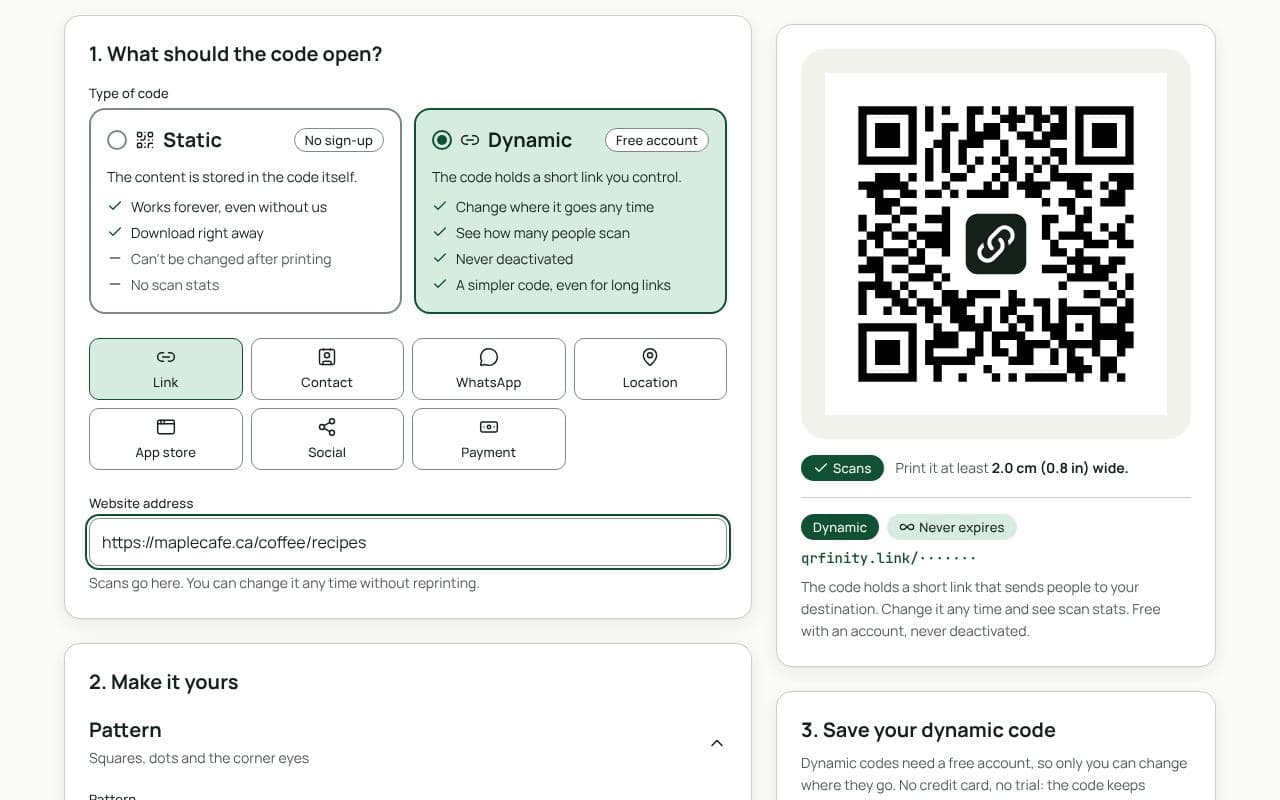
- Paste the link in “Website address” above and keep the code dynamic.
- Brand it. Add your colours and logo, and a frame with a call to action such as “Scan for recipes”.
- Download for print. Check the scan result at your print width, then download a vector file (SVG, PDF or EPS) for your packaging designer.
What to link to
- Setup and instructions: a mobile page or video beats a folded leaflet. See the product manual page.
- Ingredients, allergens and sourcing: more detail than fits on the label, kept up to date.
- Warranty registration: a short form, with the model already filled in. See warranty registration.
- Reorder and refills: straight to the product page in your shop or on Amazon.
- Recycling: how to dispose of each part of the packaging where the buyer lives.
Print tips for packaging
- Leave the margin. Keep a blank border around the code at least four squares wide. Don’t let folds, seams or die cuts run through it.
- Mind the finish. Gloss varnish and metallic foils reflect light and make codes harder to read. Print the code on a matte area if you can.
- Dark on light. Dark code on a light background, with strong contrast. Light codes on dark packaging fail on many phones.
- Proof it on the real material. Scan a printed sample, under shop lighting, before you approve the run.
The packaging printing guide has a full pre-print checklist.
Your barcode and your QR code
Shops still scan the retail barcode, so your packaging needs both: the UPC or EAN for the till, and the QR code for the customer. You can make the barcode here too, with the free barcode generator. The QR code vs barcode guide explains which does what.
Static or dynamic?
We recommend: dynamic
Choose dynamic. Packaging outlives websites: pages move, products change and campaigns end. A dynamic code lets you point the same printed code somewhere new, and its scan count tells you whether customers use it at all.