

What a Spotify QR code does
A Spotify QR code opens a song, album, playlist, artist profile or podcast episode on Spotify. One scan and the music is ready to play. It’s a simple way to move people from paper to your sound.
Bands put them on gig posters and merch tags, couples print a playlist code on wedding tables, cafés share the playlist that’s on in the shop, and podcasters add them to flyers and slides.
How to make a Spotify QR code
- Copy the Spotify link. In the app, tap “Share”, then “Copy link”.
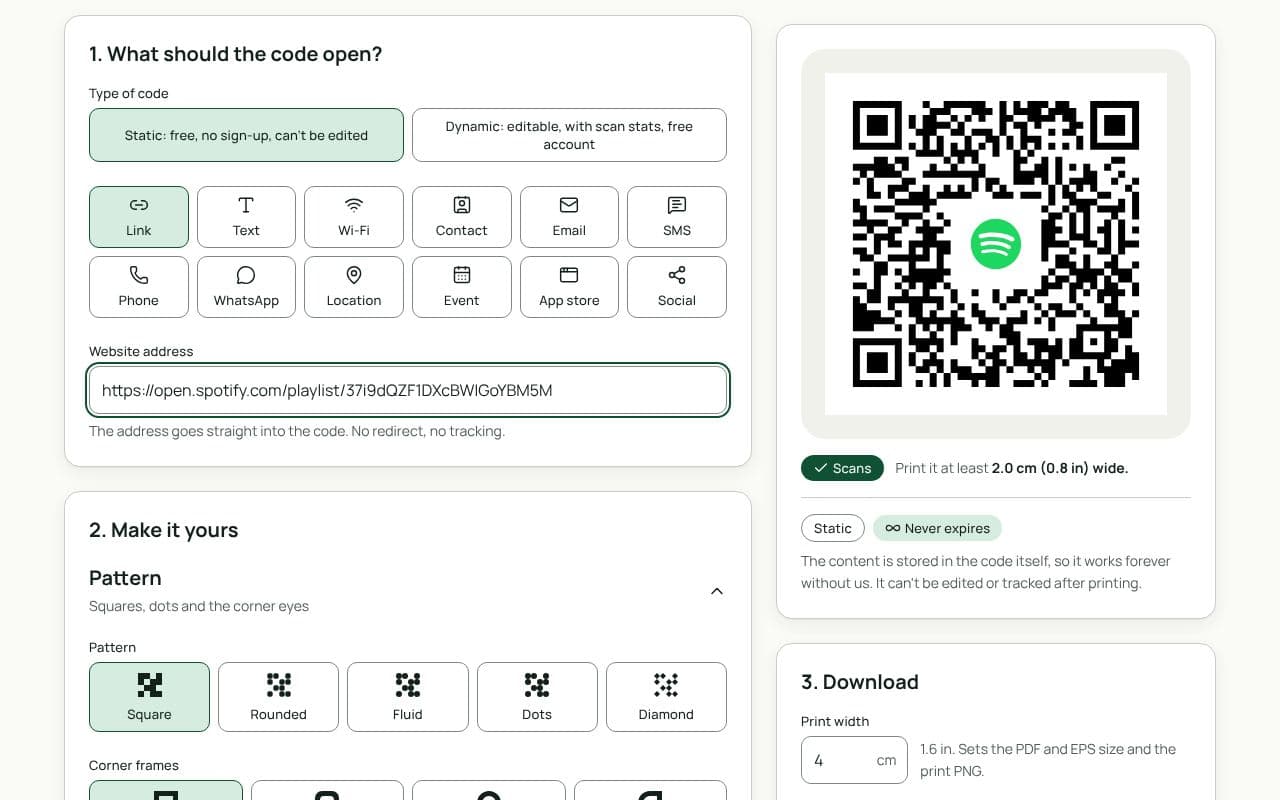
- Paste it as a website address. This page uses the Link type; paste the link into “Website address”.
- Make it yours. Use your artwork colours, add a logo and a frame with text such as “Listen now”.
- Save or download. Download a static code straight away, or save a dynamic code to your free account to swap the link and count scans.
Design and print tips
- Name what’s inside. “Our wedding playlist” or “New single out now” gives people a reason to scan.
- Keep it dark on light. Spotify’s green on black looks great but scans poorly when the code itself is light on dark. Use a dark code on a light background, and let the frame carry your colours.
- Size for merch. On a swing tag or a sticker, 2.5 cm is a good minimum. On a gig poster seen from 2 metres, aim for 20 cm.
- Add your cover art carefully. A small logo in the middle is fine; keep it within the size the scan check accepts, and use higher error correction.
- Test on a phone without Spotify logged in. Make sure the browser fallback still shows what you expect.
Spotify Codes or a QR code?
Spotify’s own codes, the sound-wave bars you can make inside the app, are recognisable to Spotify listeners. They only scan with the camera inside the Spotify app, so someone has to open Spotify, find the scan button and then point it at your poster. A QR code works with the phone’s normal camera, which most people already know how to use. It also lets you add your logo, a frame with your own words and, with a dynamic code, scan counts. Some artists print both: the Spotify Code for fans, the QR code for everyone else.
Static or dynamic?
Either works
For a playlist you’ll keep updating, static is enough: the playlist link stays the same as you add songs. Pick dynamic if you want the code on your merch to always point at your newest release, or to see how many people scanned it.